Open an issue
You can report an issue directly from the conversation itself. Simply open the conversation row and click “Report an Issue.”
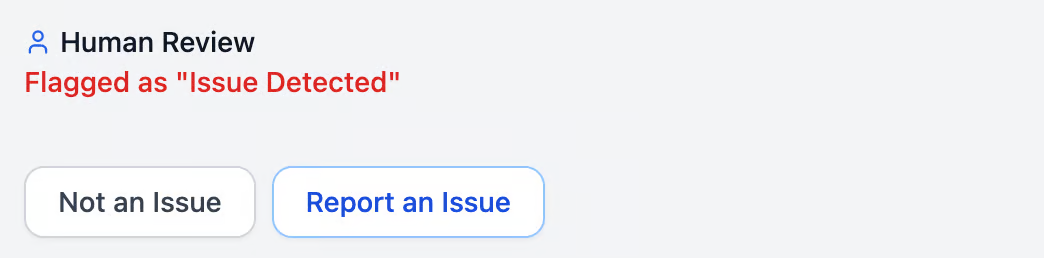
Report an issue
Once you click the button, a page will open where you can fill in the details of the issue. Providing complete information helps ensure the problem can be resolved in the best possible way.
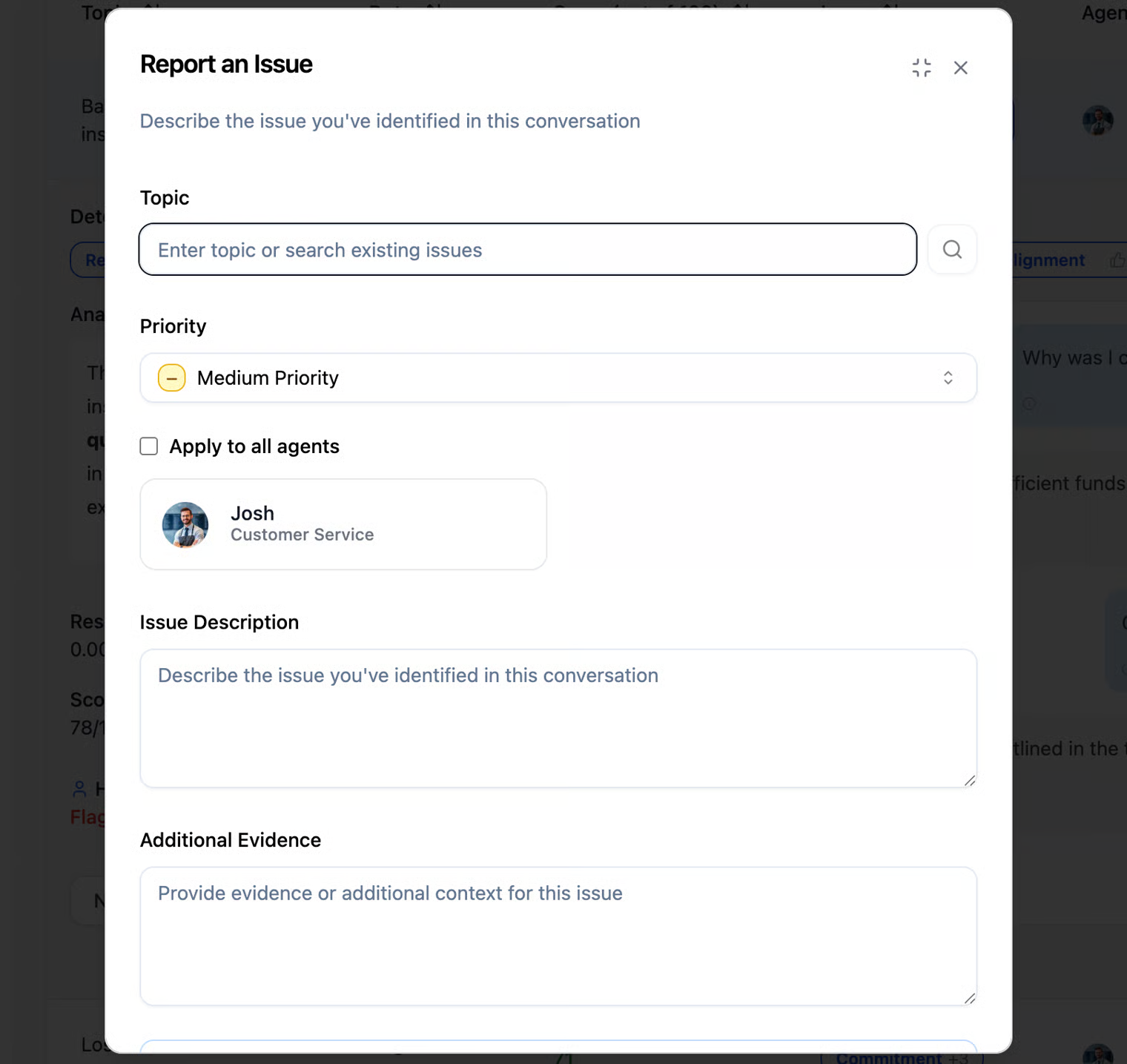
Once the issue form is opened, you need to fill in the following details:
Topic –
Select the topic that best fits the issue you are reporting. As you start typing, existing topics may appear, which you can choose if they match the issue. If no suitable topic exists, typing a new topic will create one. (In other words, you can either search an existing topic or create a new one.)
Priority –
Assign the priority level of the issue: Low, Medium, or High.
Agent –
Choose the Agent for whom you want to report the issue. You can select a specific Agent or apply the issue to all Agents by checking the “Apply to all Agents” box.
Issue Description -
In this field, you should provide a clear, general summary of the issue. The description should explain what went wrong or what the problem is, without going into all the specific examples.
- Keep it concise but informative.
- Focus on the nature of the issue, not the details of every instance.
- Example: “The Agent disclosed personal customer information” or “The Agent provided incorrect or misleading guidance.”
Issue Evidence -
In this field, you should provide specific examples that support the issue you described. Evidence helps reviewers understand exactly what happened and verify the problem. Include quotes from the conversation, actions taken by the Agent, or other observable behavior. Evidence should clearly demonstrate why this is considered an issue.
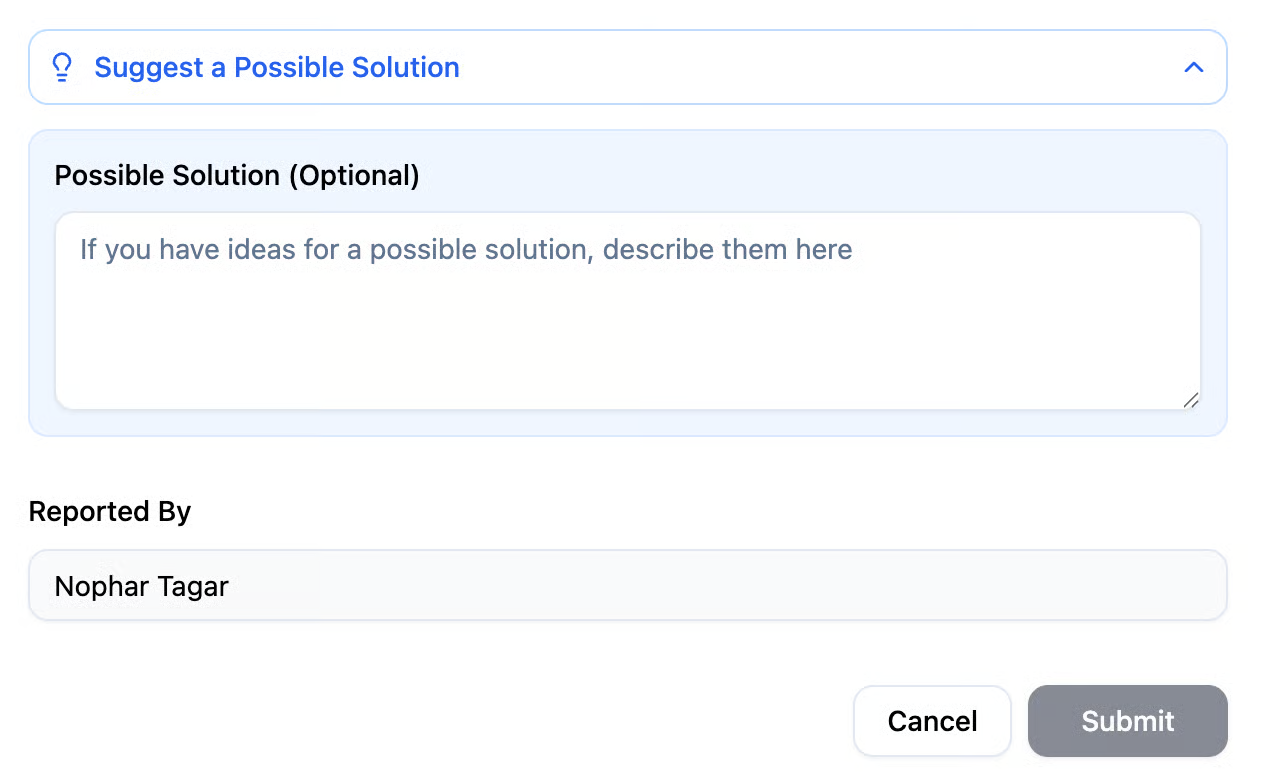
- Example: If the issue description is “The Agent disclosed personal customer information”, the evidence could be: “The Agent shared the customer’s phone number when asked about someone else’s contact details.” Possible Solution (Optional)- This field is optional and provides a place for you to suggest potential solutions to the issue. As someone familiar with your company’s processes and now also with the Agent’s behavior, you can propose ideas that could prevent the issue from happening again or improve future interactions. You can suggest practical solutions or improvements based on your business knowledge. Example: “Provide the Agent with updated information about this month’s promotion.”
After submitting an issue, you can view all reported issues in the “Issues” tab, located below the Conversation Analysis tab.
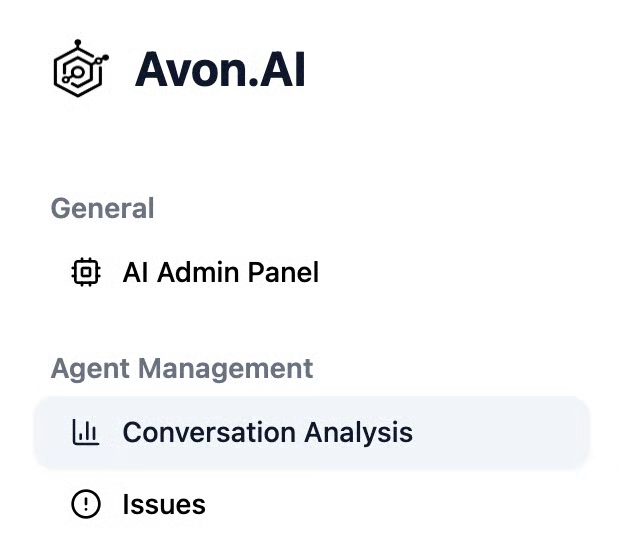
In this tab, you can view and manage issues reported by users.